Applies to: CRM Server 2013, CRM Server 2011
Providing external access to your company’s CRM server (on-premises) data is now especially important given the new mobile features in CRM 2013. CRM for tablets requires an Internet Facing Deployment (IFD) which can involve additional configuration.
Fortunately, there’s a white paper that covers end-to-end the configuration of IFD for Microsoft Dynamics CRM Server (on-premises): Configuring Claims-based Authentication for Microsoft Dynamics CRM Server.
The paper covers:
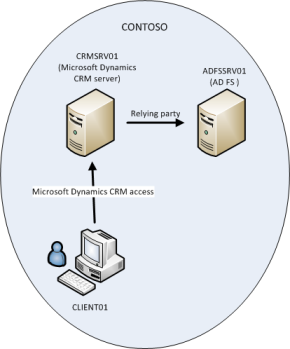
- Preparing your server environment for claims-based authentication, including configuring AD FS.
- Installing and configuring Microsoft Dynamics CRM Server claims-based authentication for internal access, external access (IFD), or both internal and external access.
- Federation trusts, Microsoft Office Outlook connections, and other configuration considerations.
Let me know your thoughts on the paper!
Jim Holtzman
Technical Writer
Microsoft Dynamics CRM