Four months ago, we launched PowerPoint Designer and Morph, new intelligent tools in PowerPoint that automate the creation of slides and presentations. This marked the starting point of an evolution PowerPoint is undergoing to help users unlock even more value from the app. Since then, Designer has saved our customers millions of clicks based on the amount of designs generated on a daily basis—illustrating the value of great design made easy. At launch we gave some insight into the future of Designer and how we would continue to evolve this feature as a core benefit to our users.
Today, we are introducing three enhancements of Designer that give users even more creative options and greater visual impact, all within seconds:
Multiple images
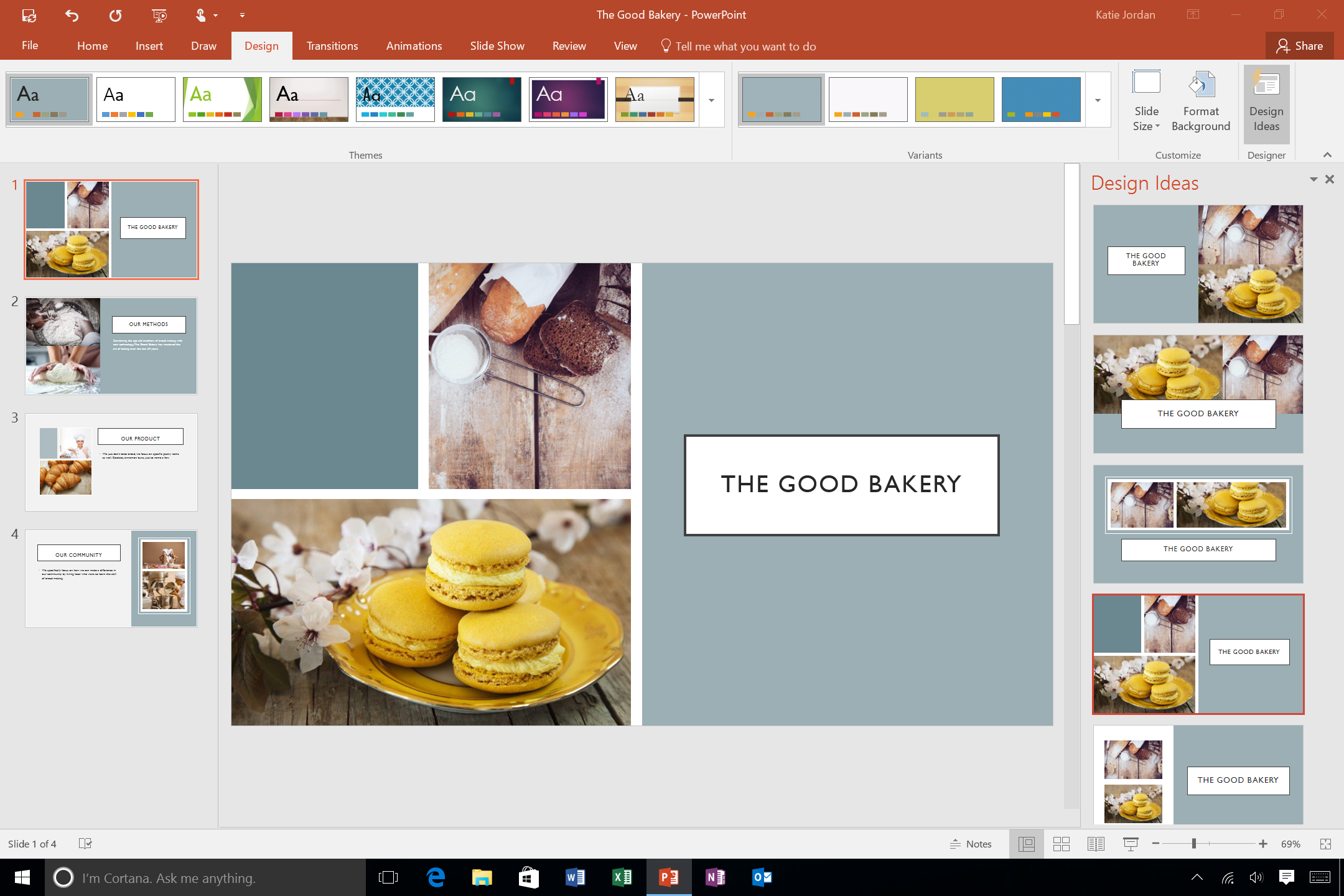
With support for multiple images, you can now insert more than one image to represent your big idea visually. Currently, all PowerPoint themes support two images, while the specific Office and Gallery themes support up to four images. This is just the beginning. Designer will expand over time to allow you to insert even more images across all PowerPoint themes.
Color extraction
New color extraction capabilities add even more value to Designer’s automated recommendations by extrapolating the most visually impactful color option from your inserted picture and then applying that color to your existing slide. The color extraction choice is based on functional design principles, such as light colors on top of dark backgrounds for maximum effect. With color extraction capabilities, Designer takes the concept of high-quality professional slides and turns it up a notch. Color extraction currently works with the new Gallery theme and will continue to roll out across the other native PowerPoint themes within the upcoming months.

Facial recognition
Facial recognition enhancement improves Designer’s cropping capabilities for images with faces by identifying people in an image and then optimizing the position of their faces—making faces the most important element in the picture. By incorporating facial recognition, Designer can now avoid cropping out portions or all of someone’s face, keeping it intact within the design layout.
What’s next?
We are excited about the progress Designer is making and the value it continues to bring to our customers. Designer will continue to evolve based on the learnings and customer feedback. Shortly, you can expect to see new Designer capabilities that will provide our users with better visual options for things like bulleted text, data points and lists.
Buy Office 365 now to experience Designer and get the Office 2016 apps and other exciting new enhancements.