On April 23 2018 17:00:00 UTC, the SSL certificate on one-box environments that are under your subscription and not managed by Microsoft, will expire. Project owners or Environment managers can rotate the certificate from LCS.
If you do not rotate the certificate, when you try to use Dynamics 365 for Finance and Operations or Dynamics 365 for Retail, you will receive an error that your certificate is not valid.
To rotate the certificate, complete the following steps on each Environment page in LCS.
Note: Complete these steps only on environments that are under your subscription.
- Log in to https://lcs.dynamics.com and navigate to Cloud Hosted Environments page in your project.
- Select an environment, and in the right pane click Full Details.
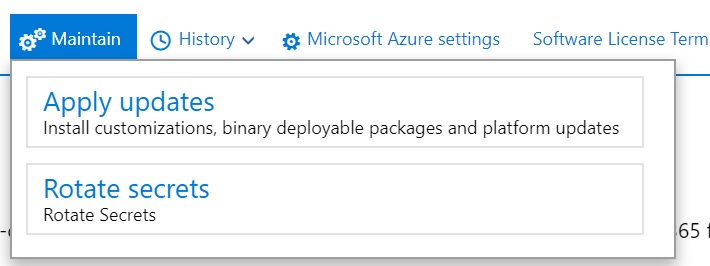
- On the Environment details page, click Maintain > Rotate secrets. Please note that this option will only show for environments in the Deployed state. If your environment is in the Stopped state, you will need to Start it first to see this option.
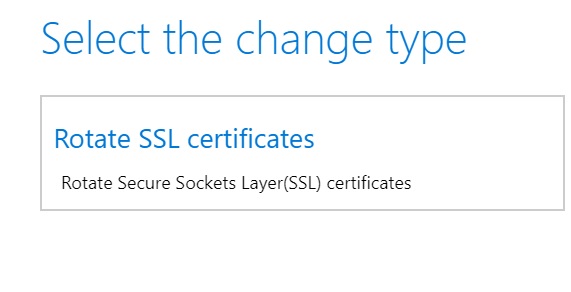
- Select Rotate the SSL certificates and confirm that you want to perform this action. Note that rotating the SSL certificate can’t be reversed.
- After the certificate rotation is complete, the environment history will be updated. You can view the history by clicking History > Environment changes on the Environment details page.