Do you want to deliver the best customer service? Are you looking for a CRM system that can handle all of your customer service needs? Or, do you want to see what’s available before you upgrade to CRM Spring ‘14?
If so, check out these new eBooks and video showing all the new customer service features available in Microsoft Dynamics CRM Spring ’14. Learn how you can give your service agents guidance and instant visibility into the information they need to make sure every customer gets the best service possible.
1. Video CRM Spring ’14 Service Management Overview (2:03)
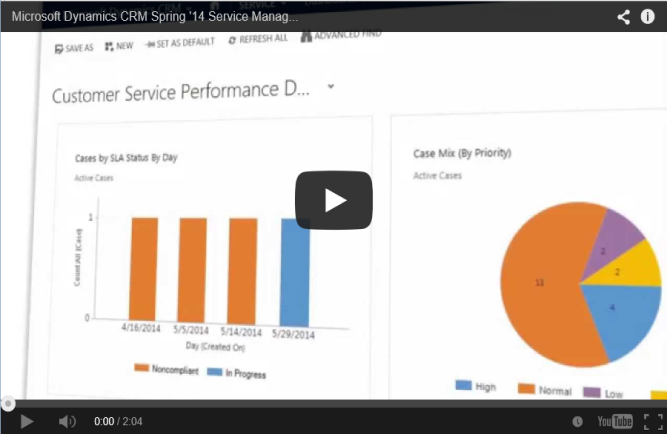
In this short video see how you can set up everything in one Service Management place, including SLAs and entitlements, automatic case creation rules, and countdown timers for case resolution.
2. eBook: What’s new in CRM customer service

Check out this easy-to-read visual guide that covers all the new CRM customer service features.
3. eBook: Meet your service goals with SLAs and entitlements

Learn how to define service level agreements and entitlements, to help you give your service team the right info at the right time so that your customers get the best service possible.
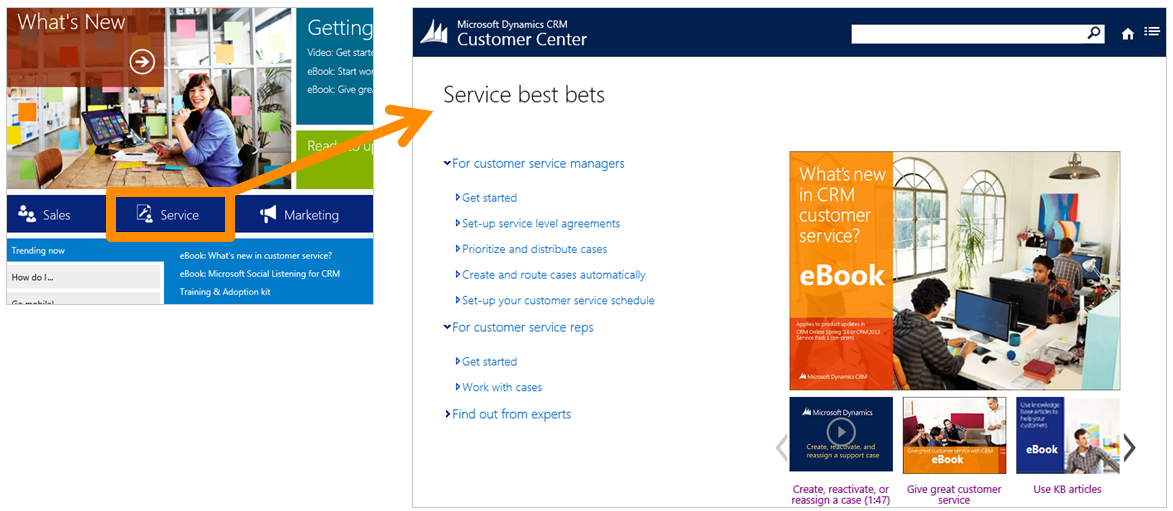
To find out more about these great new features and other service topics, you can always visit www.CRMCustomerCenter.com and click Service and also take a TestDrive.
Thanks,
Manjinder Kaur
Technical Writer
Microsoft Dynamics CRM