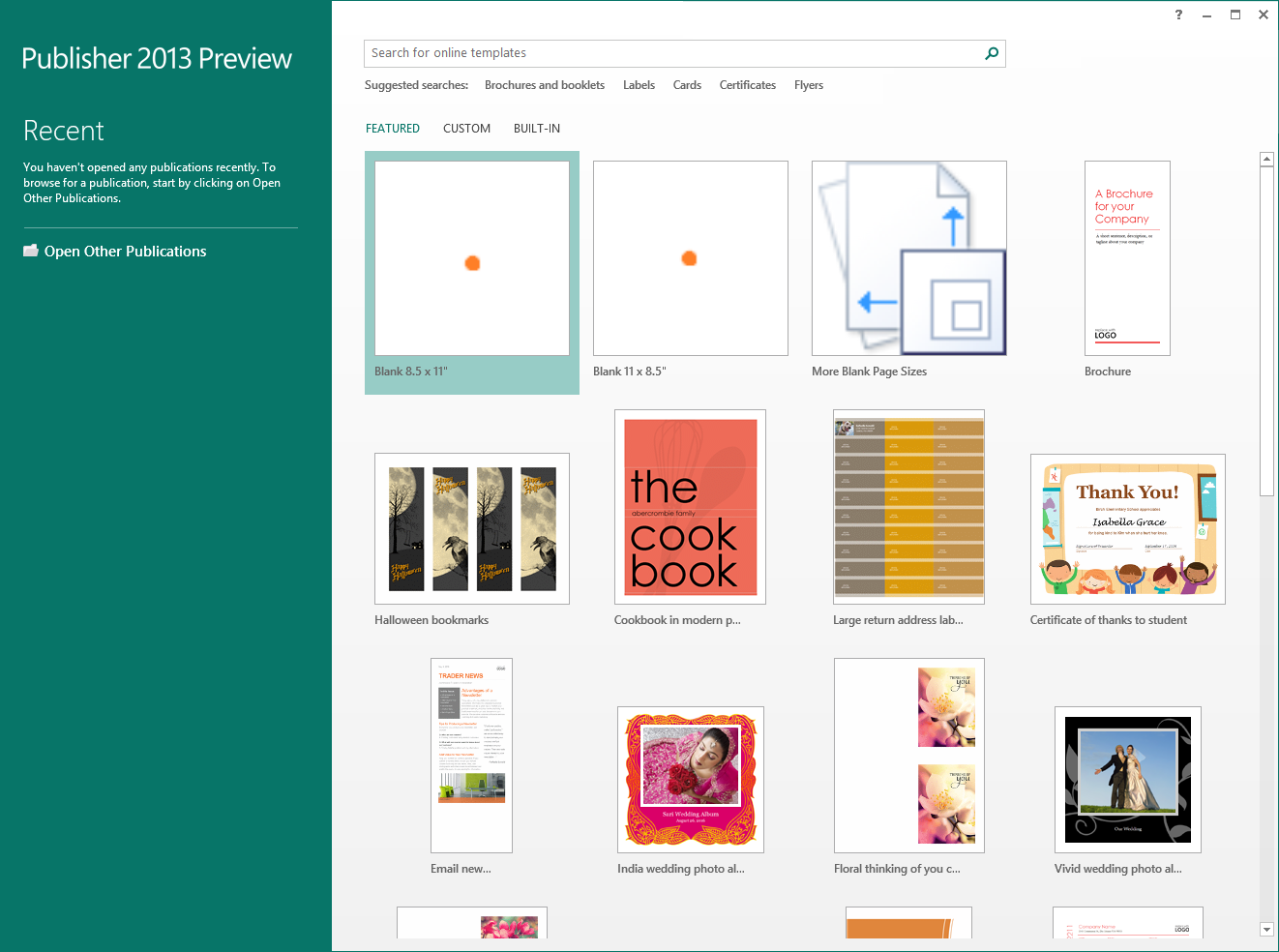
For the new Publisher, we wanted a great collection of templates that made it easier for you to take advantage of all the cool new features we added! You can find these beautiful templates on the Start screen when you start Publisher or when you want to create a new publication
Featured Online Templates
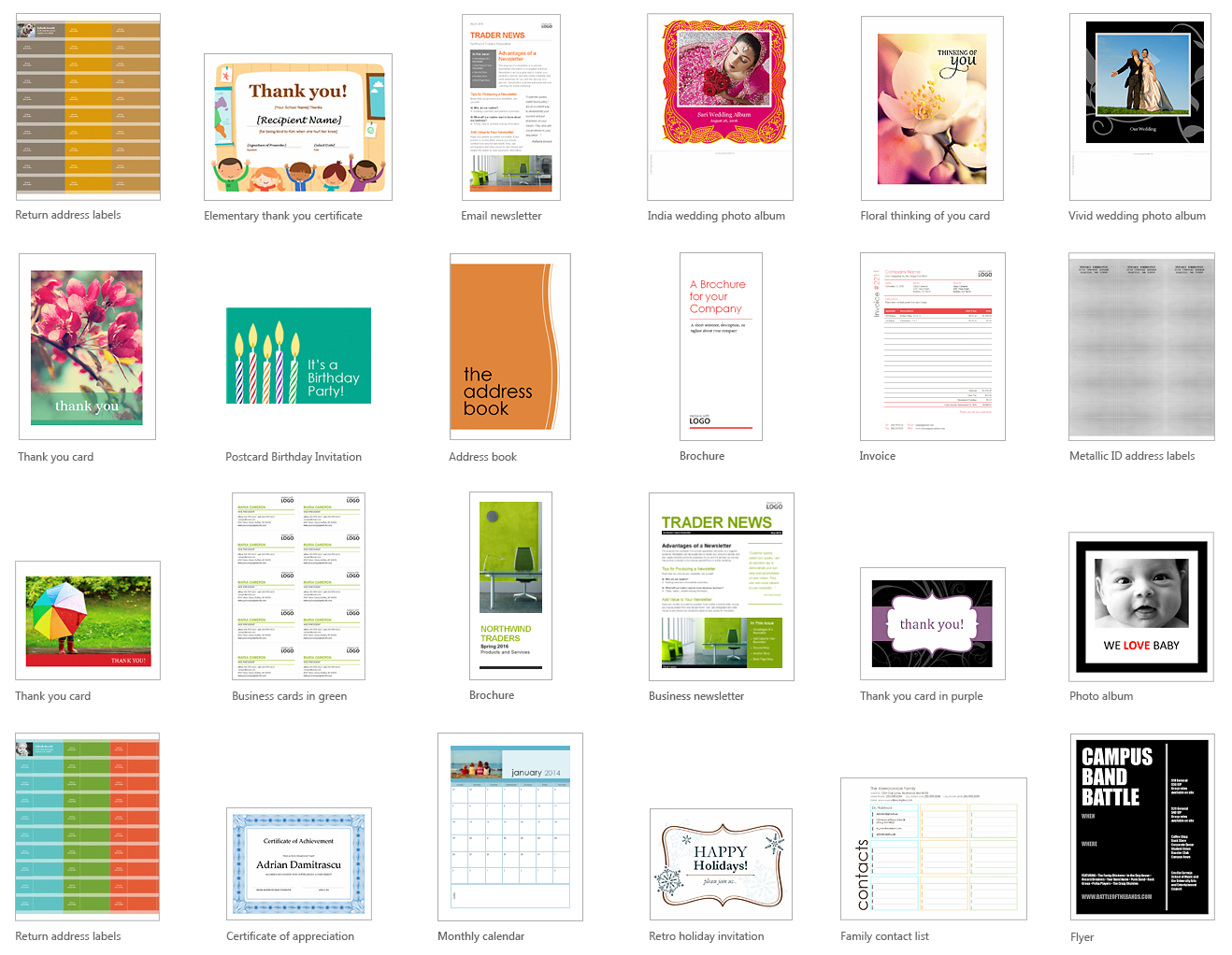
All of our new templates can be found in the Featured section. The templates shown here will refresh as the seasons change so that you can quickly find our latest and greatest.
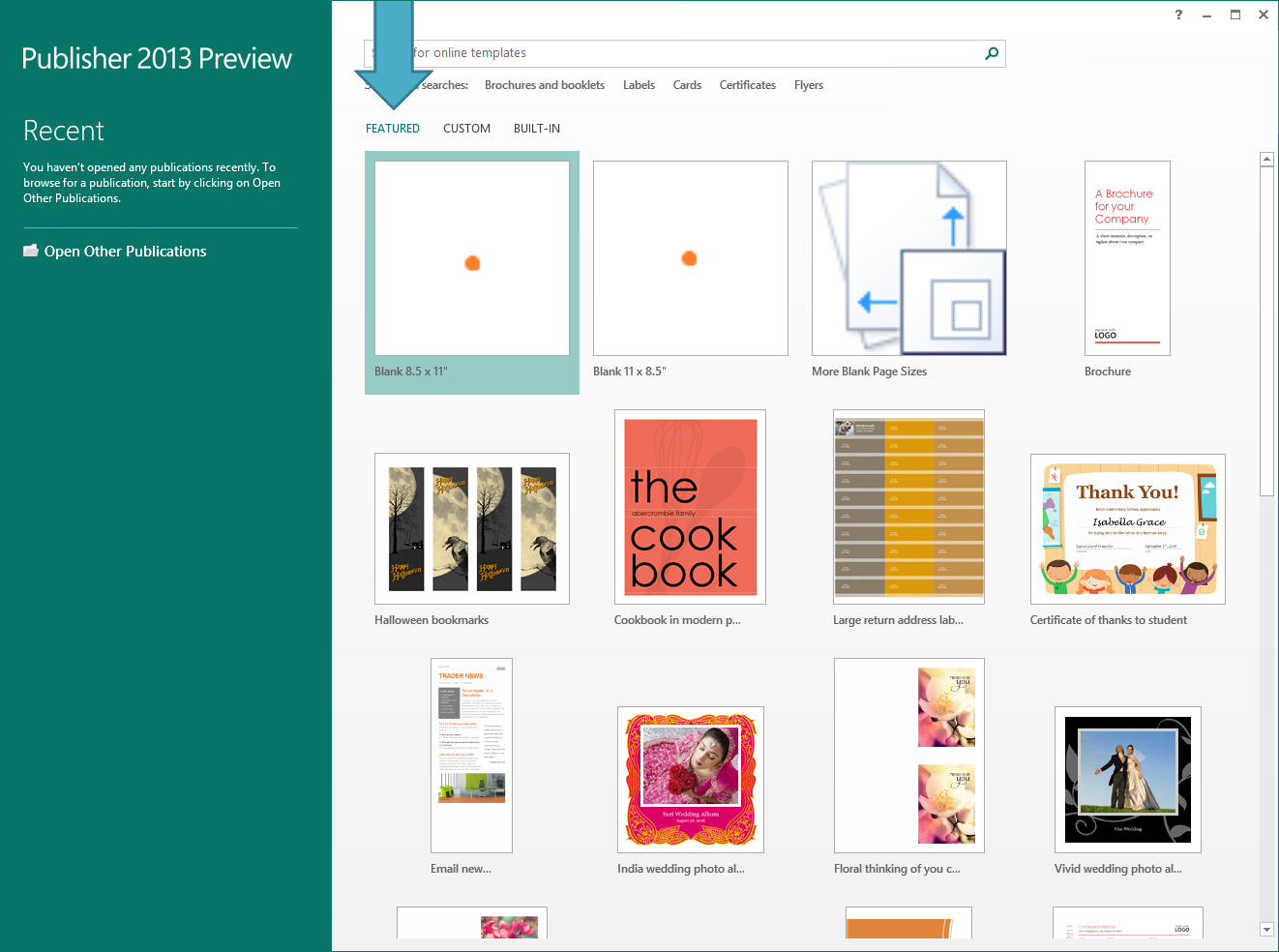
If you don’t see something you like or if you want to find a cool template you saw before, you can use the search box at the top of the application to find more interesting online templates.
Here are some of our favorites to whet your appetite:
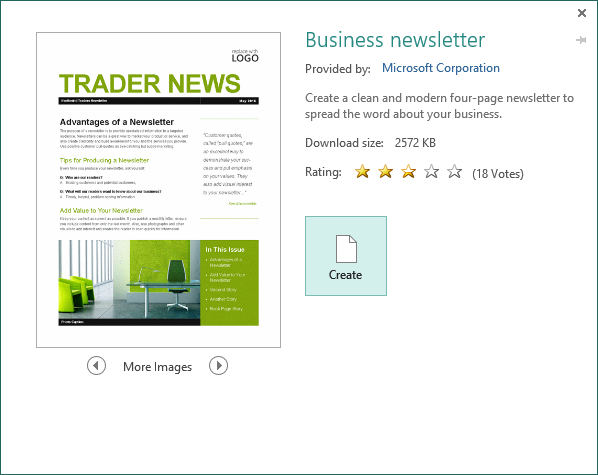
Once you’ve found a template you like, you can click on it to see a larger preview image before deciding to download it. Or, you can download it immediately by double-clicking the template directly.
Custom Templates
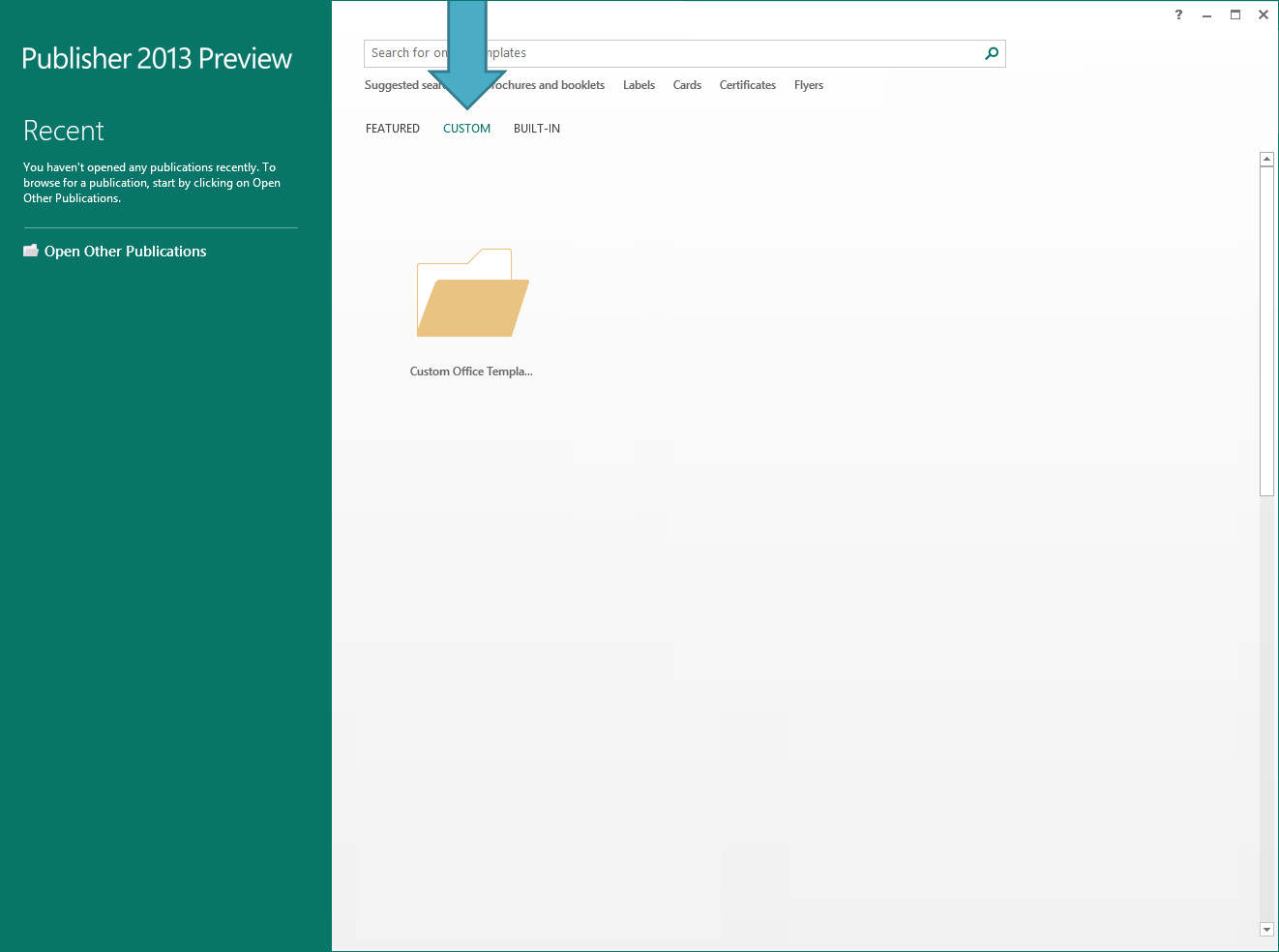
You can still save your own publications to use as a template like you did in the old Publisher. Once you create a custom template, you can view them alongside our new online templates when you start Publisher.
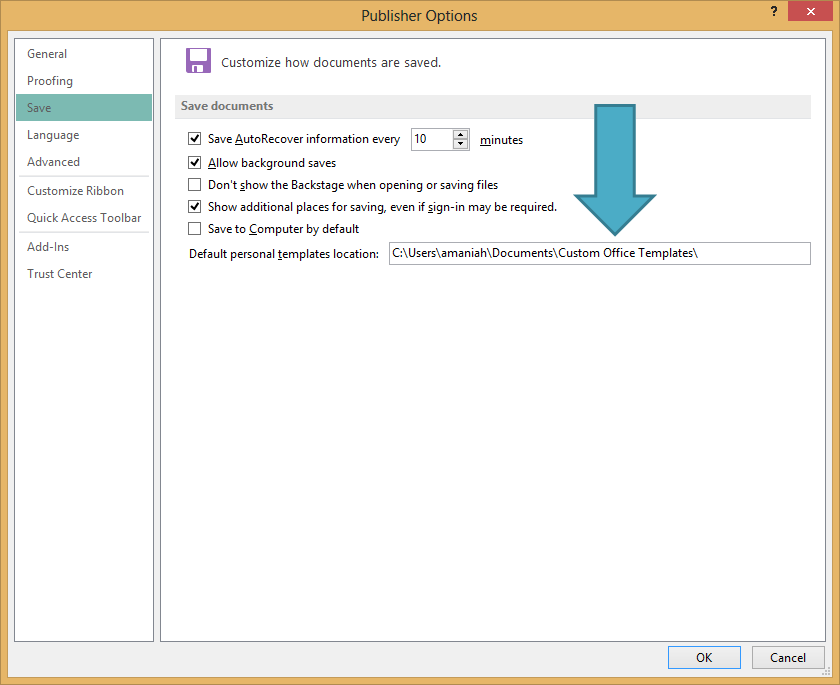
By default, we save your template to C:Users[your username]DocumentsCustom Office Templates. You can change the save location for your templates, by going to the File button, then the Options button, and change the location of your custom templates in the Save section.
Built-in Templates
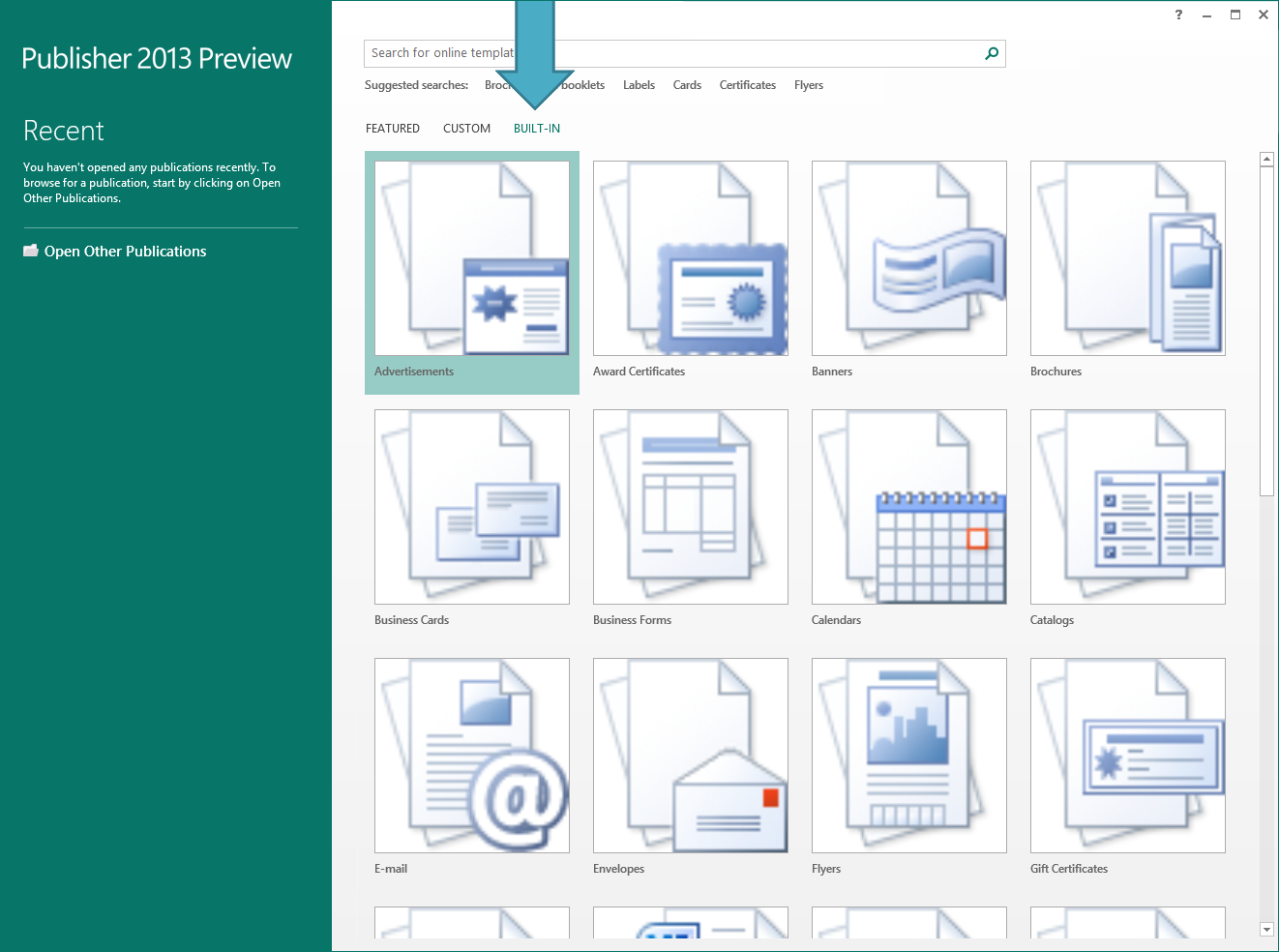
Looking for a favorite built-in template from the old Publisher? They are all still available to you through the Built-in section in the Start or New places.