AI is becoming a true coding partner, helping makers and developers build apps and agents faster on the same trusted data platform. This post outlines the latest Dataverse improvements behind that vision: expanding the plugin across more coding agent marketplaces, connecting agents to more tools through MCP, certifying partner MCPs for trusted adoption, and bringing internal MCPs under enterprise governance.
Dataverse Plugin for Coding Agents: Marketplace Expansion
The Dataverse plugin for coding agents brings the full power of Microsoft Dataverse directly into the developer’s coding environment. Instead of switching between browser tabs, documentation, and admin portals, developers can describe what they want in natural language and the plugin handles the rest. It intelligently routes each request through the right tool, whether that’s the Dataverse MCP server (see latest update), the Python SDK, PAC CLI, or the Dataverse CLI, so developers stay in flow and get production-grade results without needing to master every tool individually. Built on an open-source skill architecture, the plugin enforces least-privilege security, follows documented auth patterns, and respects existing Dataverse RBAC, making it safe for real enterprise environments from day one. See the Dataverse plugin for coding agents in action here.
We are excited to announce the expansion of the Dataverse plugin into additional coding agent marketplaces, meeting developers where they already work. The plugin is now available for Claude, Cursor and GitHub Copilot. This means that whether a developer’s primary coding agent is GitHub Copilot, Claude or Cursor, they get the same Dataverse expertise: intelligent skill routing, enterprise-grade guardrails, and a consistent natural-language experience across every surface. This cross-platform availability reflects our commitment to making Dataverse accessible wherever agents are being built, and we will have support for more coding agents coming soon.

A Growing MCP Ecosystem Connected to the Systems You Already Run
Model Context Protocol (MCP) servers give agents a common way to discover and use tools across systems: one standard connection model that helps any agent work with the right tool, in the right system, at the right time. Microsoft is building a rich MCP catalog designed around the systems enterprises already depend on — from productivity and developer experiences to business applications and partner platforms.
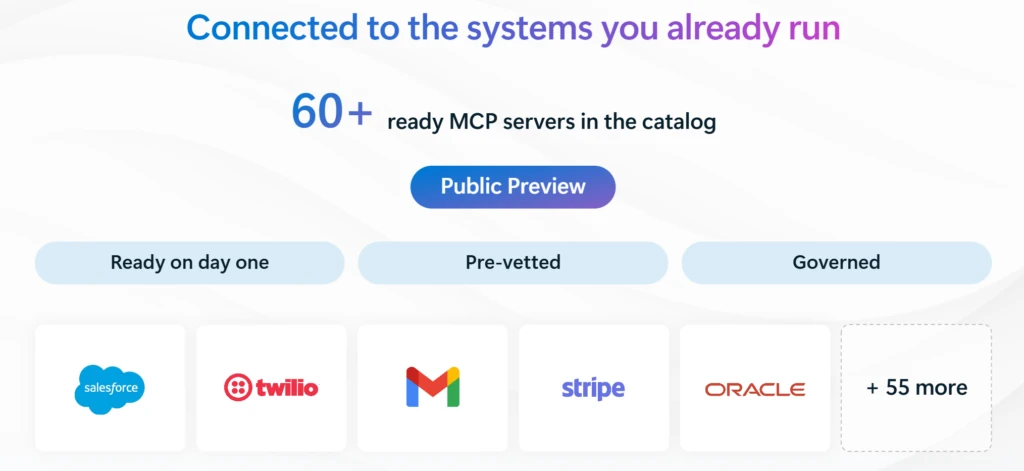
The catalog includes 60+ ready MCP servers, and the customer promise is simple: start faster with ready-to-use MCPs, connect agents to familiar business systems, and use the same standard across Microsoft 365 Copilot, Copilot Studio, Azure AI Foundry, GitHub Copilot, and other MCP-compatible experiences. For example, the Dataverse MCP server is natively supported today in Copilot Studio, Azure AI Foundry, and other MCP-compatible clients.
Certified MCPs: ISV Built MCPs that Customers Can Discover, Trust, and Govern
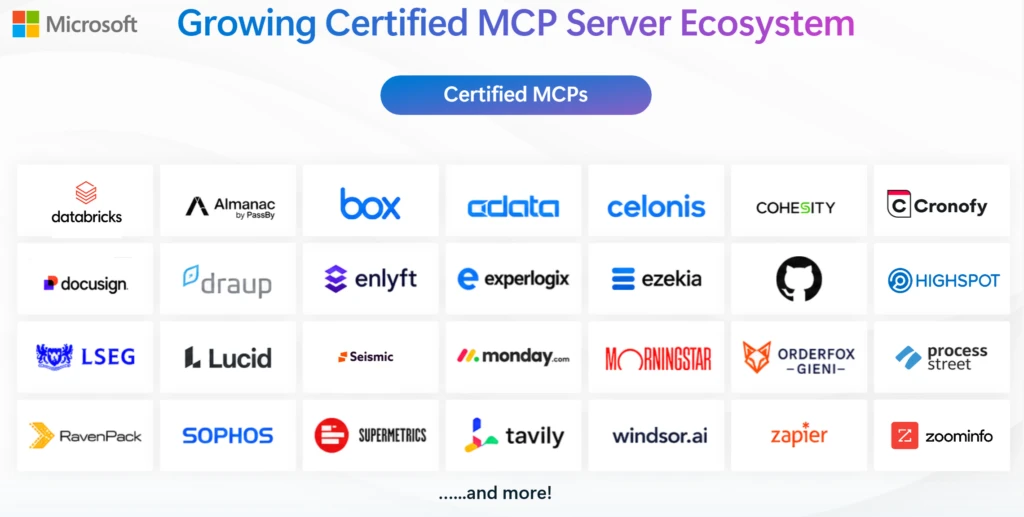
For ISVs and partners, MCP certification creates a trusted route into the Microsoft ecosystem. Once certified, partner-built MCPs become easier for customers to discover, evaluate, and adopt, while signaling that the experience aligns with enterprise expectations around security, governance, and observability. For customers, certified MCPs help reduce uncertainty: they can look to a growing ecosystem of partner capabilities designed to extend agents into specialized business scenarios, with clearer trust signals and a path toward governed adoption at scale.
- Package your MCP for certification. Prepare a certification package that includes your MCP manifest (with the MCP endpoint URL), Tools JSON file, and Key Vault-backed authentication details for securely managing secrets.
- Choose your certification offer type. Select the appropriate certification offer type ‘Apps and Agents for M365 and Copilot’ for your MCP and submit the package through Partner Center to make your MCP available across Microsoft agent experiences.
- Publish across Microsoft experiences. Once certified, your MCP becomes available for customer adoption across supported Microsoft surfaces, including Copilot Studio and Azure AI Foundry, making it easier for customers to discover, trust, and use your MCP in enterprise AI solutions.
Bring Your Own MCP: Your Internal Tools, Governed Like the Catalog
Beyond the rich MCP catalog, Bring Your Own MCP enables organizations to connect their unique business systems and workflows to the agent ecosystem. If your organization has a custom tool, proprietary API, internal workflow, or industry-specific system, you can bring that MCP server into your own organization and make it available for agents under enterprise controls. The goal is to give customers flexibility without giving up governance: register the MCP once, make it discoverable for the right agent scenarios, and manage it with the same expectations for admin approval, visibility, and control.
Dataverse agentic evolution: from experimentation to execution
As AI becomes a coding partner, Dataverse gives makers and developers the trusted data platform to build apps and agents faster, with the business context, connected tools, and enterprise governance needed to move from experimentation to execution. Learn more:
Dataverse MCP: Dataverse MCP Server: Understanding the New Tool Shape – Microsoft Power Platform Blog
Dataverse MCP preview docs: https://learn.microsoft.com/en-us/power-apps/maker/data-platform/data-platform-mcp-preview-tools
Dataverse Plugin on Claude Marketplace announcement blog: https://devblogs.microsoft.com/powerplatform/dataverse-plugin-claude-marketplace/
For ISVs and partners, check out the MCP certification to creates a trusted route into the Microsoft ecosystem
Read the Bring Your Own MCP docs
Dataverse docs: https://learn.microsoft.com/en-us/power-apps/maker/data-platform/data-platform-intro